Features
Every demo below is interactive — Hover, Drag, & Click
The wardrobe, as a photo grid
Closet items are grouped into editorial full-bleed categories instead of a spreadsheet-style list. Hovering a tile brings the photo into full color and slightly forward.
This closet is like a lookbook, not inventory
 Clothing
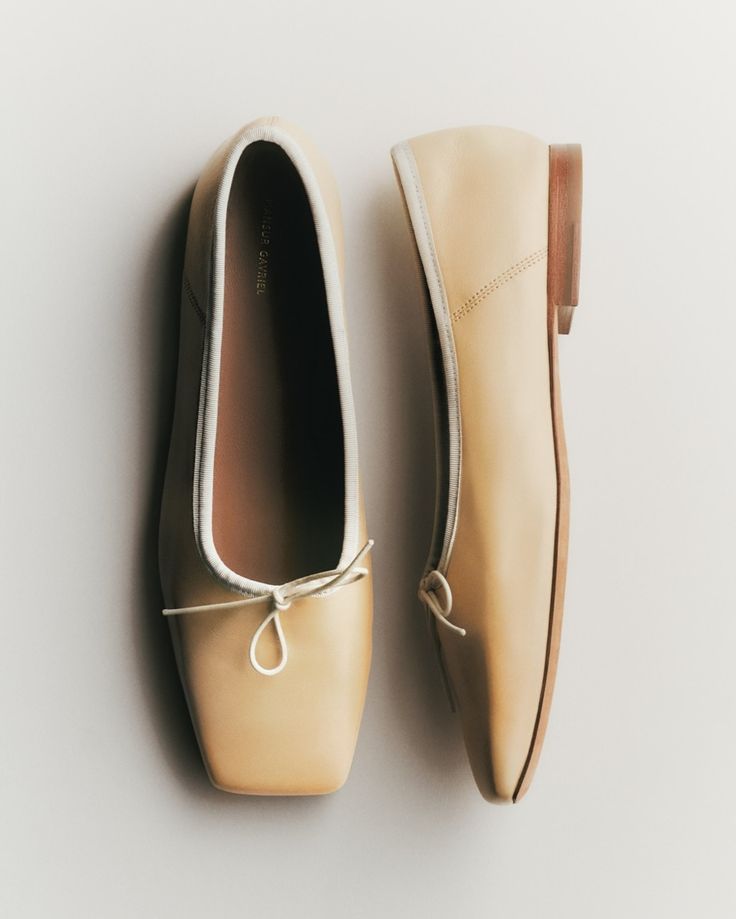 Shoes
Shoes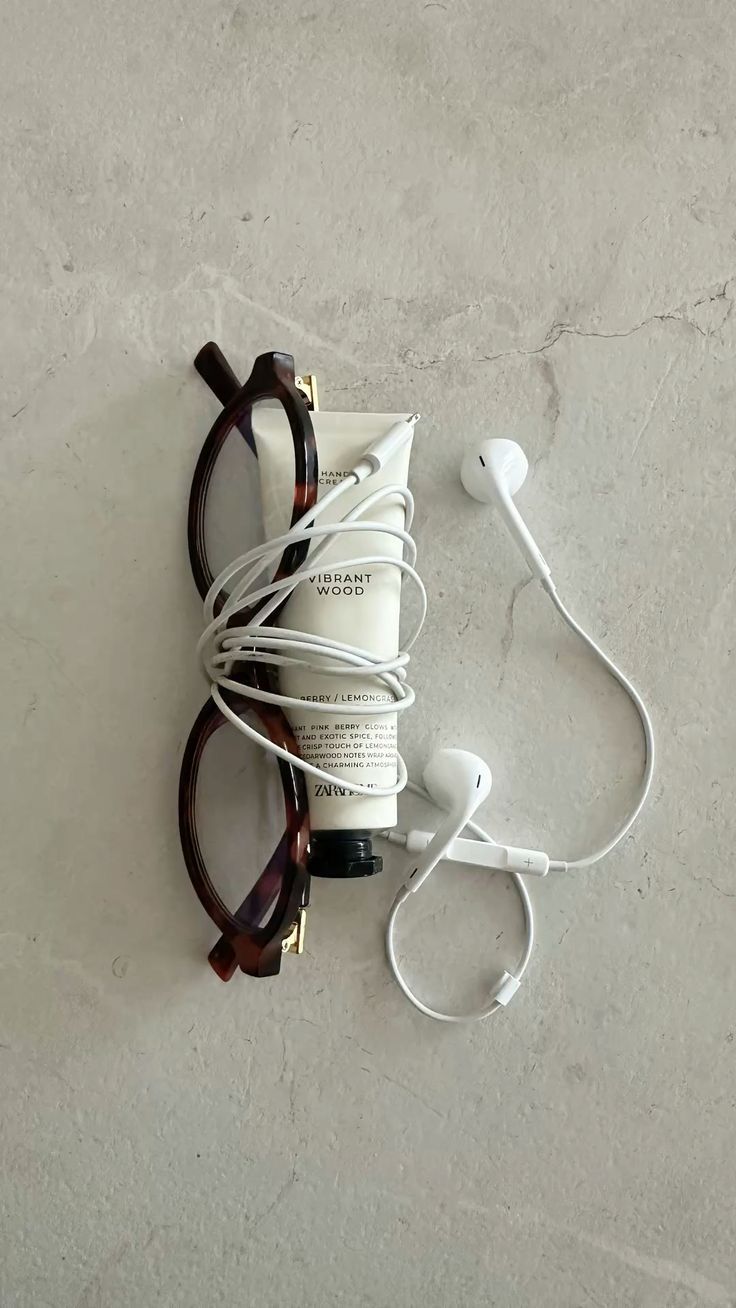 Accessories
 Beauty
A budget that reacts as you set it
New users set a monthly spending goal on a single slider.
The bar, and the "left to spend" caption all update live, so the goal feels concrete instead of abstract.
Try the slider, then log a spend below!
Want it, then mark it bought
Wishlist items carry a status instead of living in a separate "purchased" list — flipping an item from Want to Bought is one click, and it quietly folds that price into the budget's spend total instead of asking you to re-enter it.
Fukuya — the packages you forget you ordered
服屋 ("clothing shop") tracks what's in transit alongside per-store spending habits, so "where is that package" and "how much have I spent at this store" live in the same view. Sync re-checks delivery status against the order date.